
Industrial distribution01
Supplier proposal comparison
A single workflow for procurement emails, spreadsheets, PDFs and scans.
Outcome
The comparison is prepared automatically while the specialist handles only exceptions.
Procurement automation
The system collects proposals from email, messengers, Excel and PDF, extracts prices and terms, compares suppliers and transfers the result to ERP or CRM.
Process demo
Incoming proposals
The data is normalized and ready for approval or transfer to your accounting system.
The solution is designed for companies whose procurement depends on manual collection, comparison and data entry.
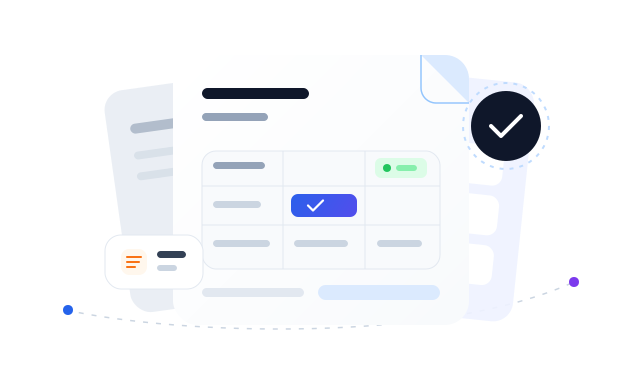
Proposals arrive through email, messengers and direct messages
Price lists and terms use different spreadsheets and document formats
Employees manually copy prices, dates and product lines
Comparing suppliers takes hours or days
Decision history is scattered across conversations
Managers cannot see the current procurement stage
Automation keeps your procurement rules intact. It handles repetitive operations while your team remains in control.
Open every email and attachment
Copy data into a shared spreadsheet
Match identical product lines manually
Collect approvals in conversations
Enter the result into ERP again
The system collects new proposals
Prices and terms are extracted automatically
Product names are normalized
Approvals follow a defined route
The result is transferred to ERP
The solution is configured around your channels, document formats and approval rules.
Email, forms, messengers and shared folders.
Excel, PDF, Word, scans and attachments.
Matching names, units and specifications.
Price, lead time, payment, delivery and other criteria.
Routes, owners, deadlines and notifications.
ERP, CRM, API or your internal system.
We validate the solution against real document formats before connecting it to the production workflow.
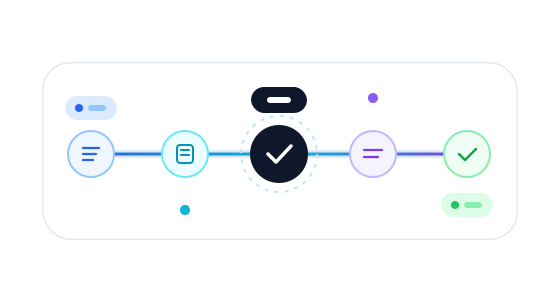
Document channels, formats, comparison rules and employee roles.
Use anonymized samples to assess extraction quality.
Configure processing, comparison and exception handling.
Integrate approvals, ERP, CRM or API.
Train the team and monitor processing quality.
Your team does not have to move procurement into another isolated tool. The solution connects to the channels and systems you already use.
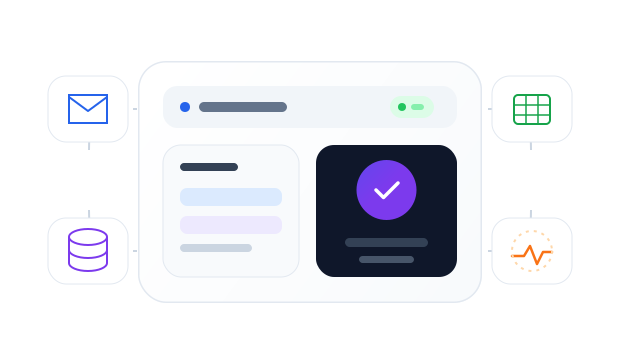
Rules remain transparent and manageable
Applied workflows
Three parts of one process that can be introduced together or step by step.
A single workflow for procurement emails, spreadsheets, PDFs and scans.
Outcome
The comparison is prepared automatically while the specialist handles only exceptions.
A controlled request route from the initiator to the person responsible for payment.
Outcome
Every request now has a visible stage, owner and complete approval history.
Integration of supplier selection results with the accounting system.
Outcome
Approved data is transferred without repeated manual entry and remains linked to the original request.
Start with your data
Attach several anonymized supplier proposals. We will review the formats, outline the processing workflow and determine what is required for integration.
You can attach Excel, PDF, Word and other files to the form.
Excel, PDF, Word, scans, emails and attachments. The exact scope is confirmed after reviewing your samples.
We configure catalog matching rules and route ambiguous items to an employee for review.
Yes. The integration approach depends on your ERP configuration, available APIs and procurement workflow.
Not necessarily. The system can prepare a comparison while final selection and approval remain with responsible employees.
A process owner, sample documents, comparison rules and access to a test environment for the required integrations.